KALIFX TRADE MANAGER PRO
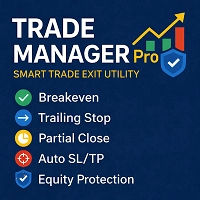
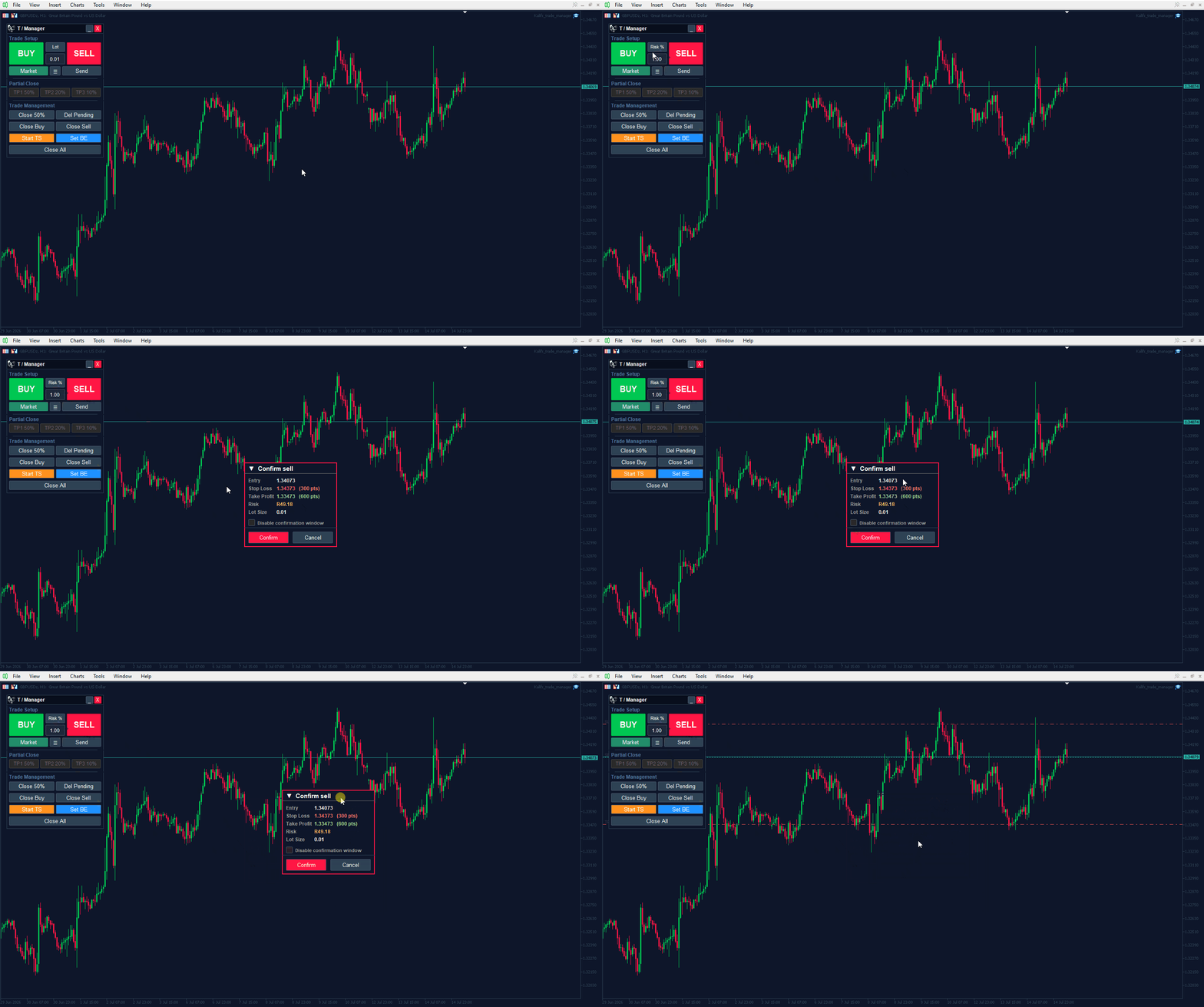
Kalifx Trade Manager is a smart on-chart trading and risk-management panel for MetaTrader 4 & 5. It replaces manual order tickets and spreadsheet risk math with a compact, draggable panel that lets you place, size, and manage trades directly from the chart — including automatic breakeven, trailing stops, and a 3-level partial close (multi-TP) system with draggable on-chart lines.
Built for discretionary traders who want the speed of a one-click panel with the discipline of automated risk rules running underneath it.
KEY FEATURES
One-Click Order Panel
- Draggable, collapsible/minimizable panel with title bar, logo, and close/minimize controls
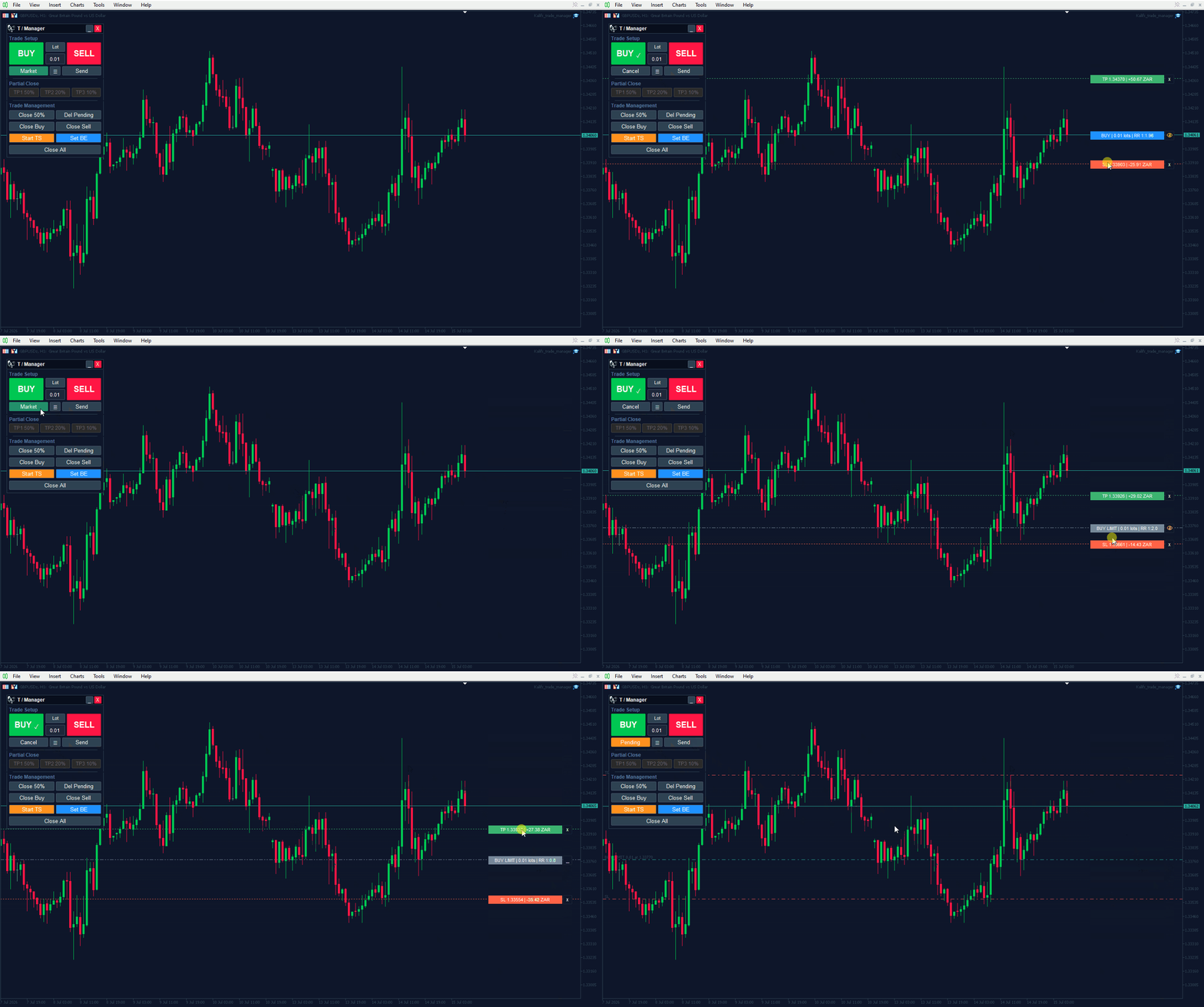
- One-click BUY / SELL market orders, or switch to Pending mode
- Three position-sizing modes, switchable live from the panel: Risk %, Fixed Lot, or $ Risk Amount
- Optional trade confirmation popup (modal) before any order is sent, showing entry, SL, TP, risk %, and lot size — with a "disable confirmation" checkbox
- Adjustable panel position (X/Y offset) and UI refresh rate
Draggable SL / TP / Entry Setup Lines
- Toggle on-screen draggable lines for Entry, Stop Loss, and Take Profit before sending an order
- Live-updating price tag boxes for each line, with automatic anti-overlap/collision spacing
- Lock/sync mode to keep SL and TP moving together with Entry, preserving risk:reward ratio
- Optional Auto SL/TP: fixed points or ATR-multiple based, applied automatically if no manual SL/TP is set
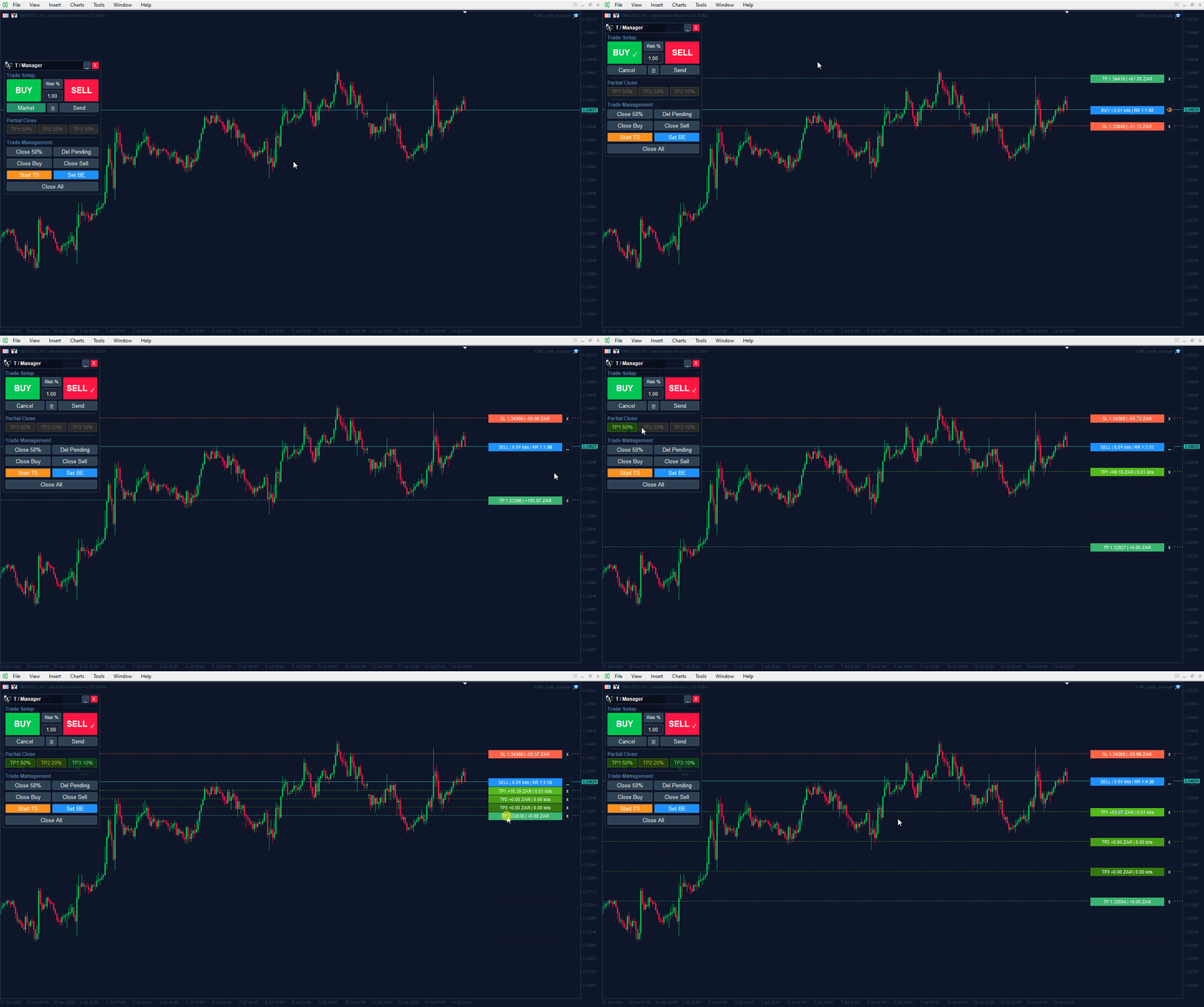
Multi-TP & Partial Close (up to 3 levels)
- Draggable TP1 / TP2 / TP3 lines, each set as a % of the distance to your main Take Profit
- Independent close-% per level (e.g., close 50% at TP1, 20% of what's left at TP2, 10% at TP3)
- TP lines automatically rescale proportionally if the main TP or Entry is moved
- Instant "Close %" button for manual partial closes at any time
- One-click Close All, Close Buys, Close Sells, and Delete All Pending Orders
Automated Trade Management
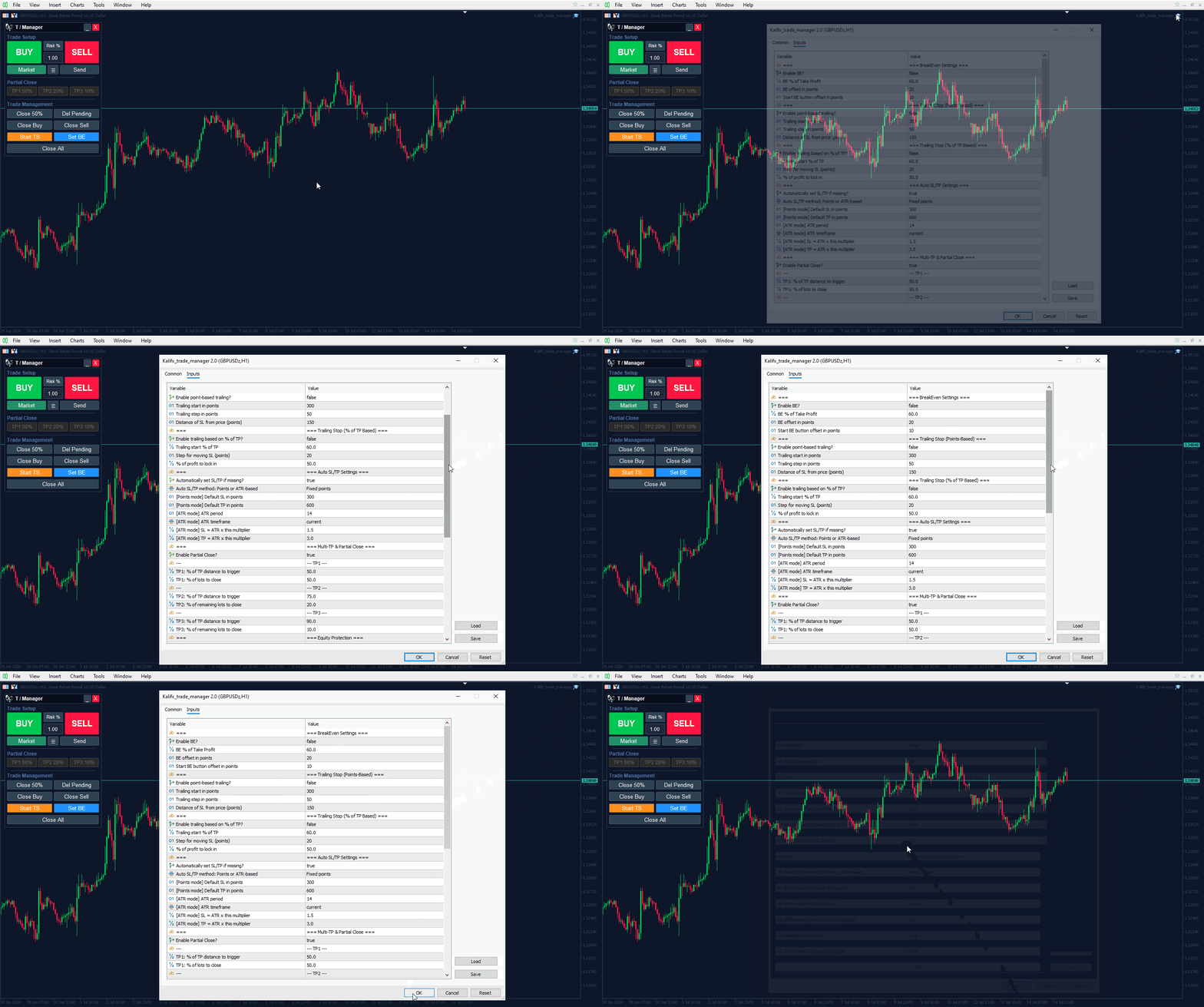
- Breakeven: trigger at a configurable % of TP distance, with a points-based offset; manual "Start BE" override button
- Trailing Stop — two independent modes:
- Points-based: start distance, step size, and trail distance in points
- % of TP-based: start trailing at a % of TP distance, step in points, with a configurable profit-lock %
- Manual "Start Trailing" override button alongside the automatic triggers
Equity & Risk Protection
- Max drawdown % cutoff (based on peak balance)
- Floating loss protection by fixed currency amount or % of balance
- Optional full trading halt after protection triggers, with optional auto-resume the next day
- All protection logic runs independently of the visual panel, so it keeps working even if the panel is hidden
Interface & Usability
- Live current-price tag on the chart while a position is open
- Magic number filter (0 = manage manual/discretionary trades too) so it can run alongside other EAs
- Custom trade comment field, adjustable slippage tolerance, and configurable pending order expiry
- Clean two-tone panel styling with section dividers (Trade Setup / Partial Close / Trade Management)
Who It's For
Manual and semi-discretionary traders on MT4/5 who want faster execution, consistent position sizing, and rules-based exit management (breakeven, trailing, scaling out) without writing a single line of code or babysitting the trade after entry.