
BLAQ SLUG SCALPER EXPERT ADVISOR
Blaq Slug Scalper EA is a breakout-based Expert Advisor designed for trading GBPUSD H1, with configurable support for other pairs. It operates on hourly timeframes and captures strong breakout moves from predefined daily price ranges, forming a dynamic “box” each trading day.
The EA tracks price action within a morning range and places Buy Stop and Sell Stop orders once the box closes and conditions are met. It includes smart trade management features like recovery-based lot sizing, break-even adjustments for additional trades, and a trailing stop system for profit protection.
Strategy Overview
- Symbols: GBPUSD H1 (recommended)
- Timeframe: H1
- Entry Method: Time-based breakout using pending Buy/Sell Stop orders above/below daily range
- Exit Logic: Trailing stop, break-even for add-on trades, and manual or time-based close
- Trading Style: Breakout + recovery lot scaling (optional), one-direction trades per breakout
RECOMMENDATIONS
- Always test on demo or small accounts before full deployment.
- Use a VPS for low-latency execution.
- A Raw Spread or ECN account with very low spreads is strongly recommended for optimal performance.
- Low spread trading conditions may significantly improve execution and overall results.
- Recommended Timeframe: H1.
- Recommended Pair: GBPUSD.
- Recommended minimum deposit: $100 for low-risk trading conditions
FEATURES
- Automated breakout trading system with dynamic daily box formation.
- Configurable recovery lot multiplier to manage losing trades.
- Break-even adjustments for additional trades after adverse moves.
- Trailing stop with adjustable start, distance, and step points.
- Supports hedge and netting accounts.
- No averaging or martingale unless recovery multiplier is used.
INPUT SETTINGS (Defaults Recommended)
EA Information
- Recommended symbol and timeframe: Displays the recommended trading symbol and timeframe (default: GBPUSD H1).
General Settings
- Unique EA trade identifier: Unique identifier used by the EA to manage its own trades.
- Starting lot size: Initial trade lot size used for the first position.
- Maximum allowed lot size: Maximum lot size the EA is allowed to reach during recovery cycles.
- Lot multiplier after loss: Multiplier applied to the lot size after a losing trade.
- Maximum recovery trades: Maximum number of recovery trades allowed in a recovery cycle.
Order Split Settings
- Maximum EA pending orders allowed at once: Limits how many pending breakout orders the EA can place simultaneously.
- Split each breakout order: Allows the EA to divide a breakout entry into multiple smaller orders for more flexible execution and scaling.
Risk Management
- Lot sizing method: Selects the lot sizing model used by the EA (Fixed Lot or percentage-based risk profiles).
- Risk % for very low profile: Risk percentage applied when the Very Low risk profile is selected.
- Risk % for low profile: Risk percentage applied when the Low risk profile is selected.
- Risk % for medium profile: Risk percentage applied when the Medium risk profile is selected.
- Risk % for high profile: Risk percentage applied when the High risk profile is selected.
- Risk % for very high profile: Risk percentage applied when the Very High risk profile is selected.
- Freeze risk equity at high-water mark: Locks the risk calculation to the highest recorded equity level for high-risk profiles to help prevent aggressive lot increases after drawdowns.
- High risk exponential factor: Adjusts how aggressively lot size increases when using the High risk profile.
- Very high risk exponential factor: Controls the exponential growth curve for the Very High risk profile.
Trading Session
- Range start hour: Hour when the price range box begins forming.
- Range end hour: Hour when the range box stops forming.
- Range end minute: Minute when the range box closes.
- Allow trading on Friday: Allows or disables trading on Fridays.
Entry Settings
- Pending order distance from range: Distance in points added above/below the range before placing breakout pending orders.
- Stop loss distance (points): Stop loss distance from entry price in points.
- Take profit distance (points): Take profit distance from entry price in points.
Trade Management
- Distance before adding recovery trade: Distance price must move against the base trade before opening an additional trade.
- Apply break-even after add trade: Enables break-even logic for the additional recovery trade.
- Break-even level 1 trigger: Profit level where the first break-even adjustment is triggered.
- Break-even level 1 offset: Stop loss offset applied when break-even level 1 activates.
- Break-even level 2 trigger: Profit level where the second break-even adjustment activates.
- Break-even level 2 offset: Stop loss offset applied when break-even level 2 activates.
Trailing Stop
- Enable trailing stop: Enables or disables the trailing stop system.
- Profit before trailing starts: Profit level in points where trailing stop begins.
- Trailing stop distance: Distance between the current price and trailing stop level.
- Trailing adjustment step: Minimum movement required before the trailing stop updates.
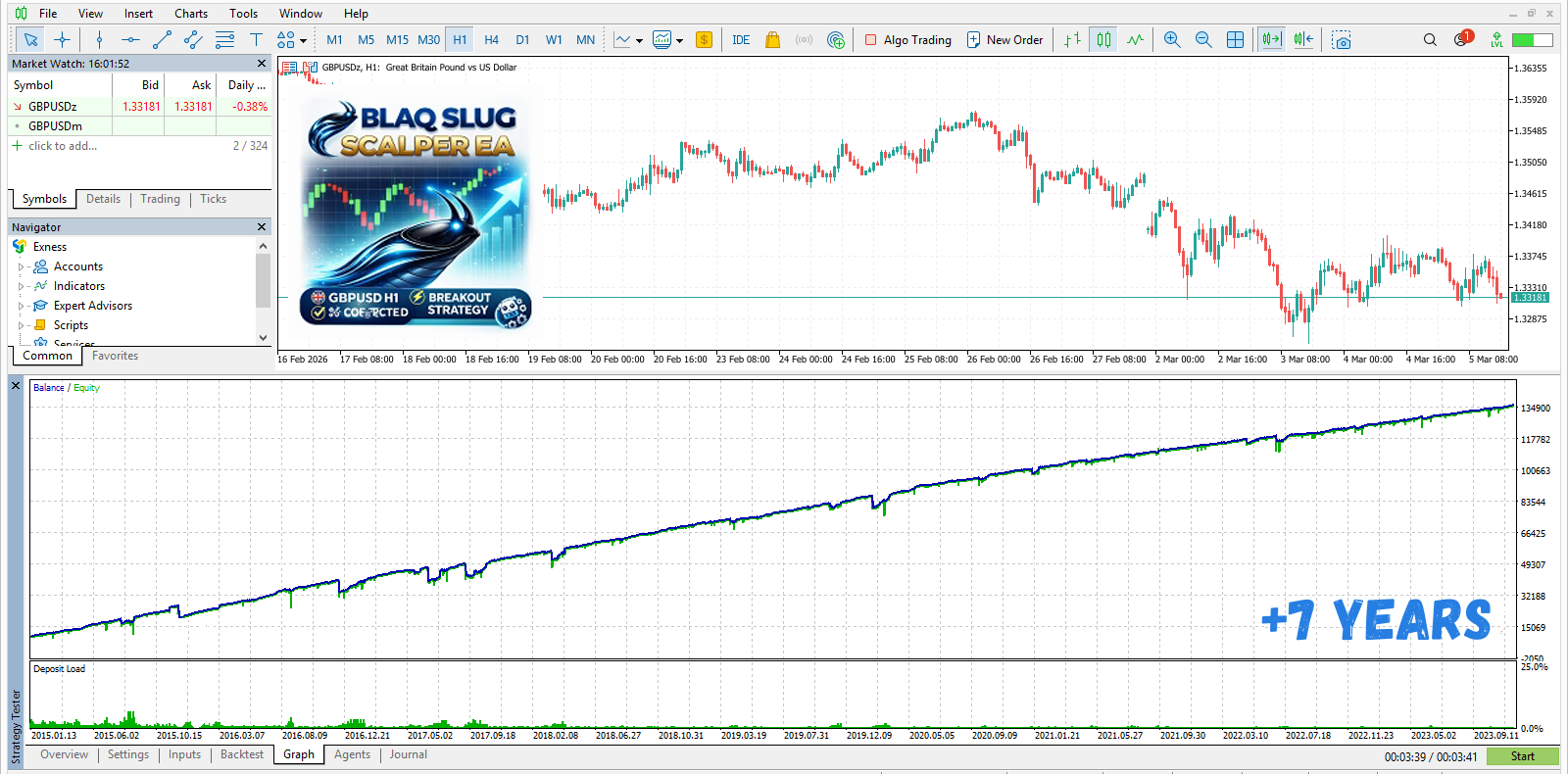
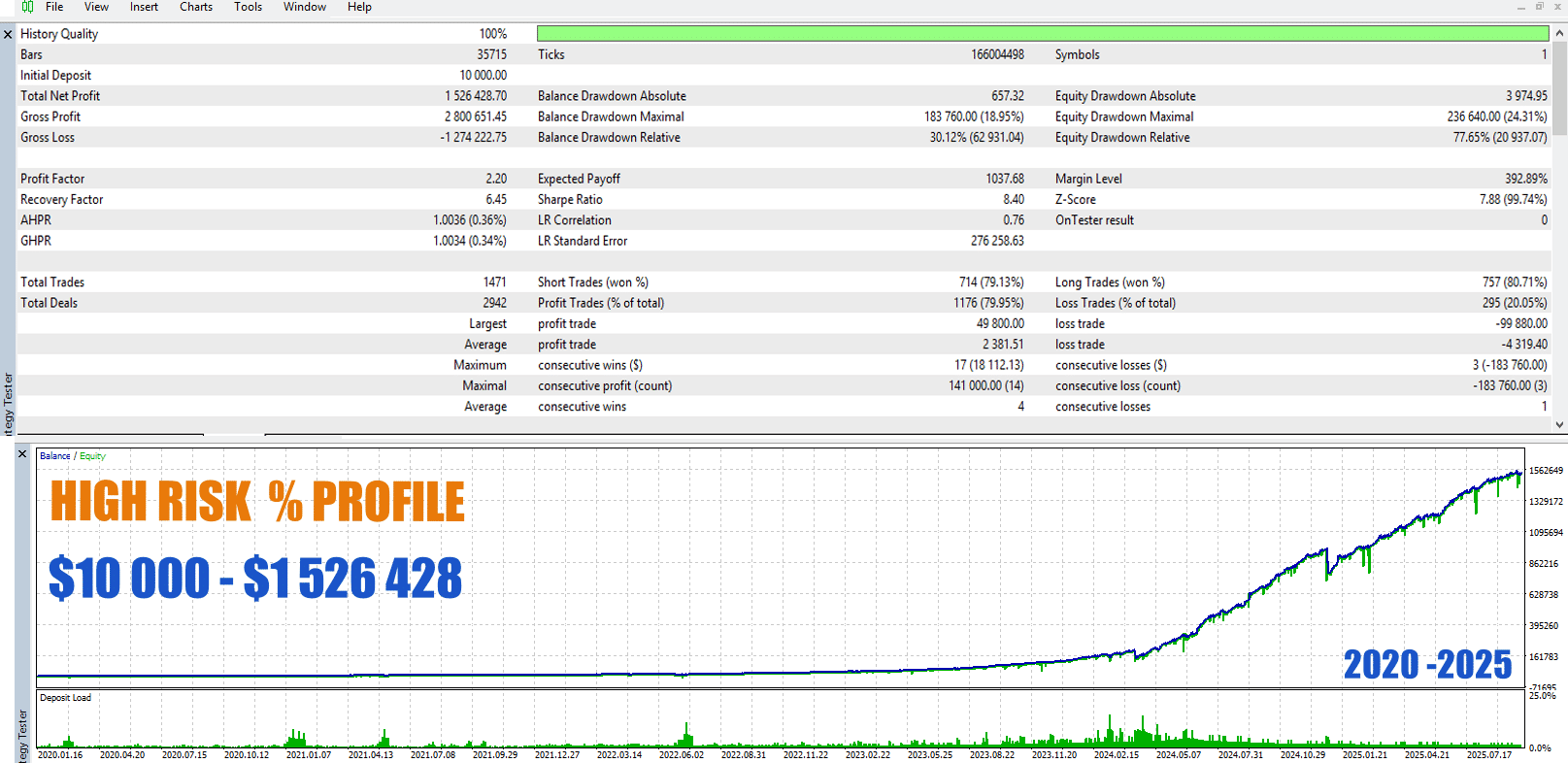
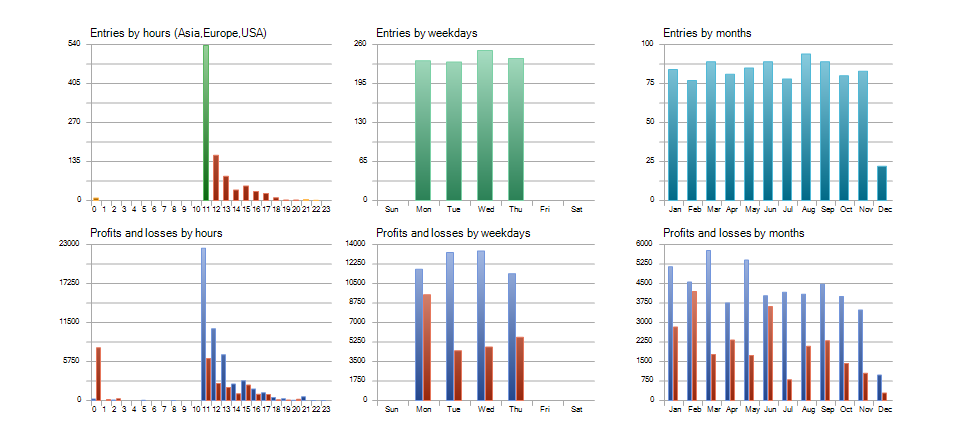

Download the Blaq Slug Scalper EA demo version and start testing it on your MT5 platform.
Download Blaq Slug EAReady to go live? Get the full version