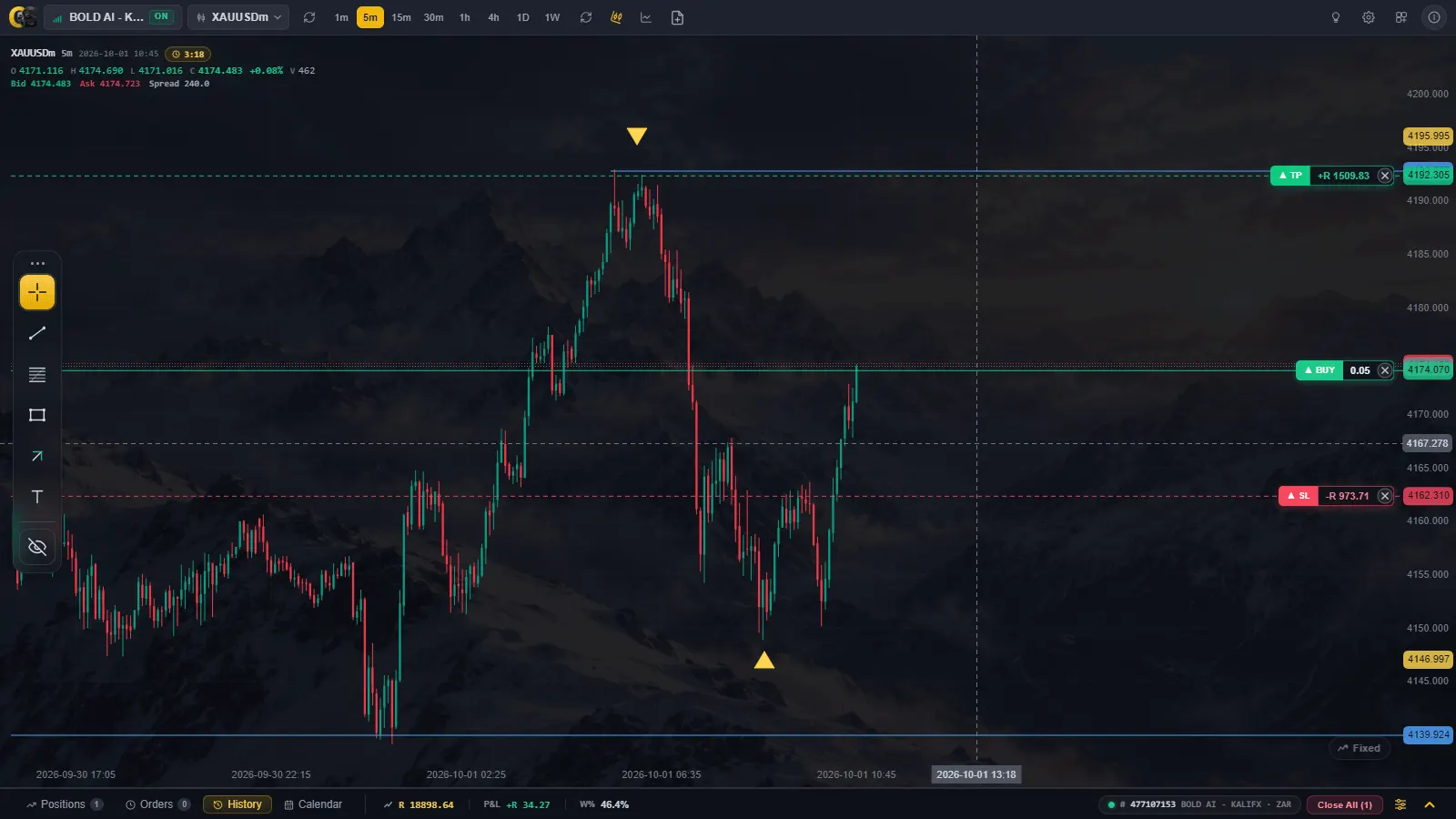
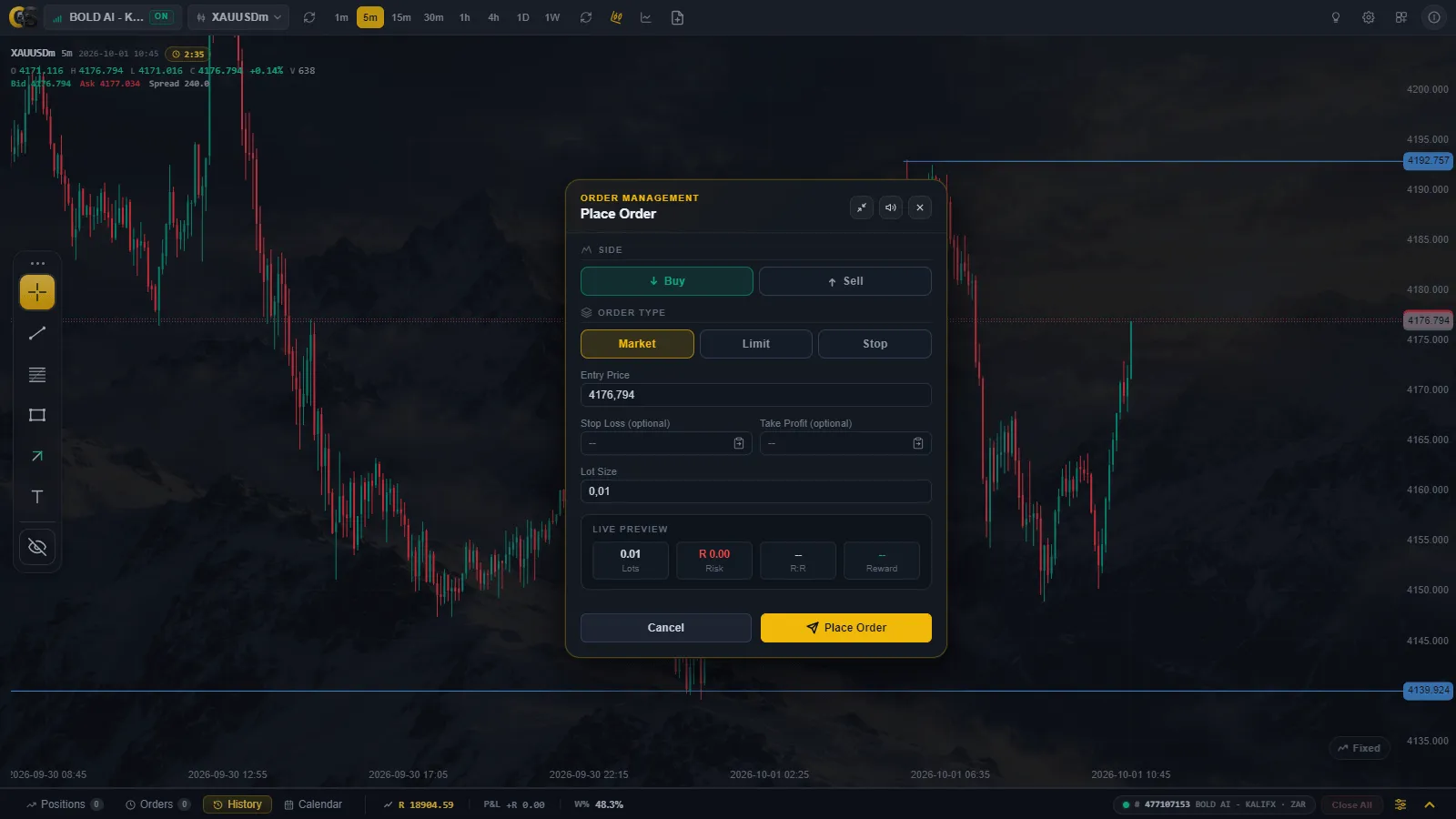
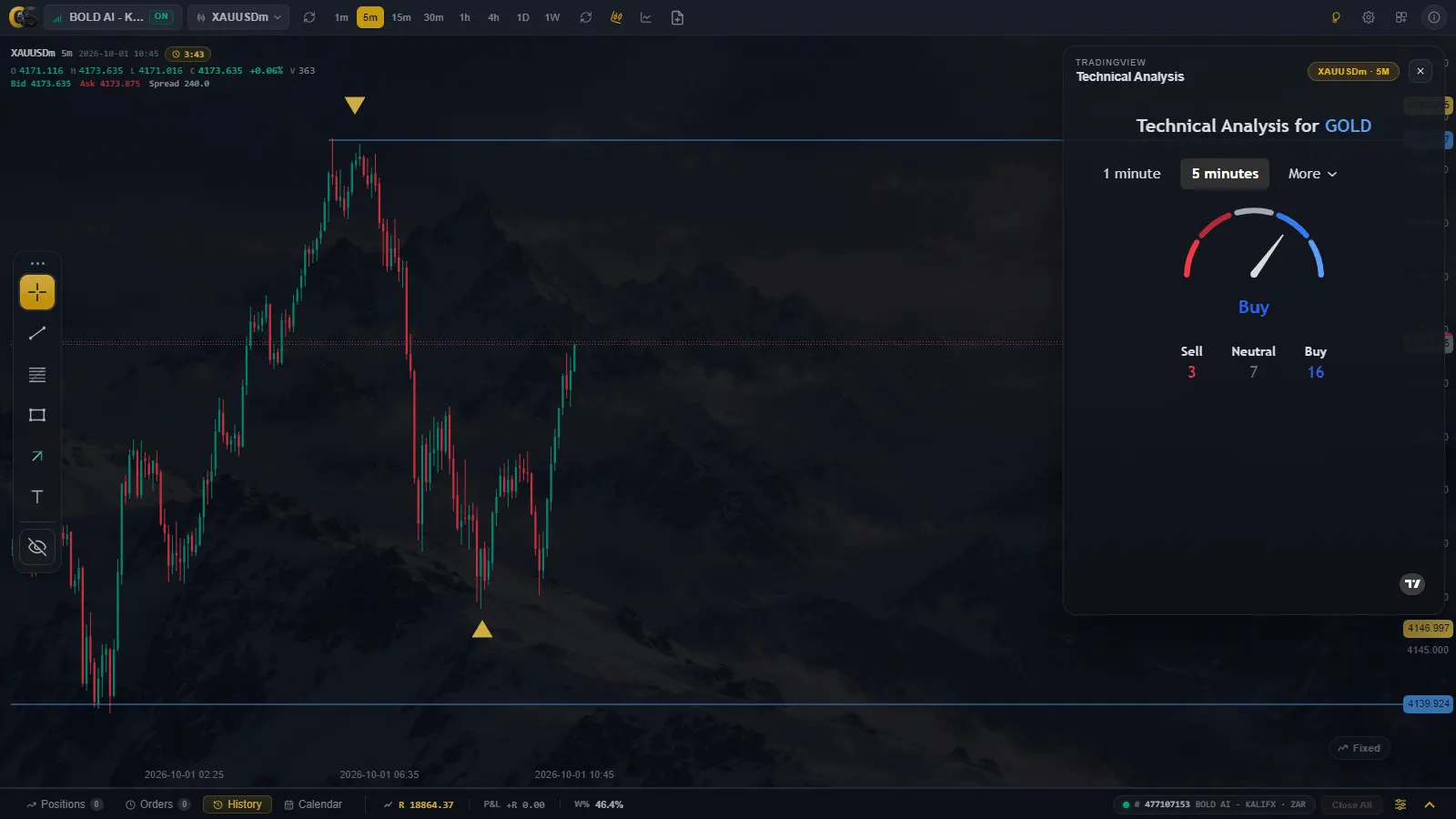
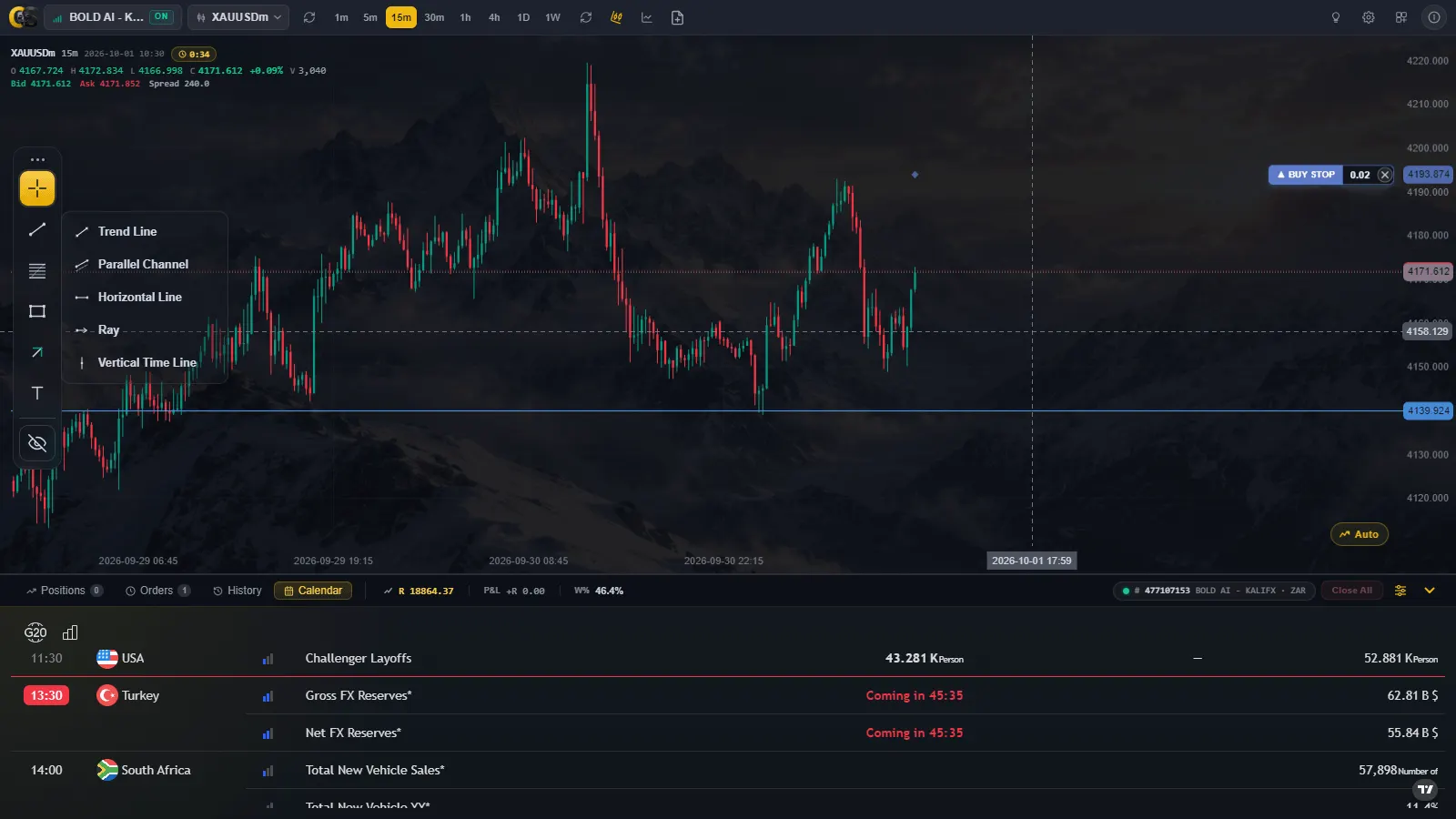
A Windows desktop terminal that connects straight to your MetaTrader 5 account — live charts, drawing tools, price alerts, and a full trading desk for placing and managing real orders, side by side.
Connects directly to your MetaTrader 5 terminal — no bridge, no extra install
Seven timeframes with live streaming candles as ticks arrive
ChartScope Live is a standalone Windows terminal that sits alongside MetaTrader 5 and gives you a faster, more focused way to chart and trade — without opening MT5's own chart windows.
Connect once and ChartScope Live pulls in your MT5 watchlist, account balance and open positions, then keeps everything updated as prices move. Draw your setups, place market or pending orders, and manage the trade — all from one window.
Every drawing, price alert and chart preference is saved automatically per symbol, so switching between EURUSD and Gold never means starting over. Your last symbol and timeframe reopen exactly where you left them.
Nothing about the connection leaves your machine — ChartScope Live talks to the MT5 terminal running locally on the same computer.
Left to right, the toolbar covers connection, symbol, timeframe and chart type — then order entry and settings.
Click once to connect; the badge flips to ON and stays there while MT5 keeps streaming. Click again, or use the right-click menu, to disconnect.
Pick any symbol from your MT5 watchlist, then switch between 1m, 5m, 15m, 30m, 1H, 4H, 1D and 1W — the chart re-renders instantly, no re-download.
Switch between candlesticks and a line chart, or force a refresh of the current symbol's bars whenever you want a clean re-fetch.
Open the Order Entry Ticket, adjust colours and grid in Chart Settings, or save/load a saved appearance template — all from the same row.
The tool rail floats on the left of the chart. Each drawing is saved automatically per symbol as you place it.
Click a start and end point for a trend line, or a single anchor for a ray that extends to the right.
Click once at a price. Attach a price alert and get notified the moment the market trades through it.
Three clicks — a top line, then a point that sets the parallel offset — for a channel around price.
Click the 0% and 100% points to lay retracement levels over any swing.
Mark zones or point at specific candles — click and drag to size, or click twice for an arrow.
Pin a specific timestamp with one click; it snaps to the nearest candle and shows a time pill on the axis.
Click, type a note, press Enter to commit — a quick way to annotate a setup right on the chart.
Click entry, then stop-loss, then take-profit. ChartScope Live computes lot size, risk and R:R from the drawing.
The desk slides up from the bottom of the window. Its header always shows your account number, equity, P&L and win rate — and a one-click Close All button appears the moment you have open positions.
Four tabs cover the full trade lifecycle: Positions for what's open, Orders for what's pending, History for what's closed, and a live Calendar of economic events so you know what's coming before it moves the market.
Every open position or pending order can be modified in place — adjust stop-loss and take-profit, partially close, or cancel — without opening a separate ticket.
| Specification | Details |
|---|---|
| Data Source | Live from your MetaTrader 5 terminal — symbols, prices, balance, positions and history |
| Timeframes | 1m, 5m, 15m, 30m, 1H, 4H, 1D, 1W, switchable instantly |
| Chart Types | Candlesticks or Line, with a separate volume panel below |
| Drawing Tools | Trend Line, Ray, Horizontal Line, Parallel Channel, Fibonacci Retracement, Rectangle, Arrow, Vertical Time Line, Text, Long/Short R:R |
| Order Types | Market, Buy/Sell Limit, Buy/Sell Stop, with SL/TP on every ticket |
| Price Alerts | On Horizontal Line, Ray and Trend Line drawings, with a sound notification |
| Autosave | Drawings, appearance, last symbol/timeframe and risk settings saved continuously — no save button |
| Platform | Windows only, distributed as a standard installer (ChartScope-Setup-1.0.6.exe) |
| Licensing | Free trial shows the most recent 30 days of history; a Pro key unlocks full history |
Also requires the MetaTrader 5 terminal, installed and logged in
ChartScope Live only reads from the MT5 terminal already running on your machine — it does not replace or modify MT5 itself. Keep MT5 signed in to your broker account for the connection to stay live.
Download ChartScope Live for Windows, connect MetaTrader 5, and start charting and managing orders from one desk.